
How is accounting data kept safe online?
This page explains how Vaskorith protects account access, backs up ledger data, and keeps the service available.
Security at Vaskorith
Protection you can check, not just trust.
This page describes controls in plain terms without inventing certifications or statistics. You will see how login and access are handled, how the ledger is backed up, what happens during maintenance, and which habits keep your own workspace safer.
If something here needs a clearer answer, the support address on Contact goes straight to the team that reads the logs.
Access control for your workspace
Who can see and change the books.
Passwords must meet length and complexity checks, and sessions expire after inactivity. Owners assign roles that limit who can create, approve, or view records, and login history shows recent access per user.
Disable a login at once when staff leaves. Their past entries remain with their name for traceability.
Ask about roles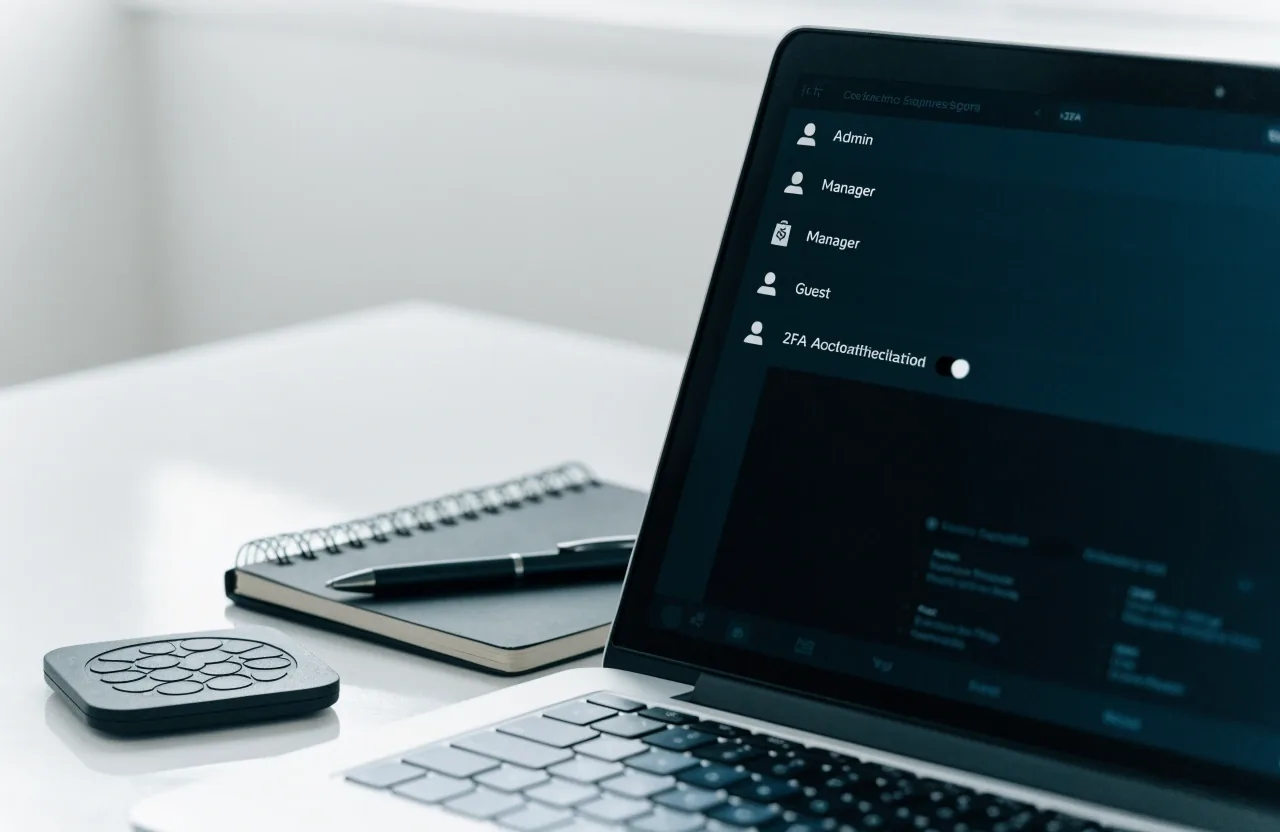
Roles
Owner, approver, bookkeeper, viewer. Each one can do a defined set of things and nothing more.
Sessions
Inactive sessions close on their own, so an unattended screen does not stay open on a shared office PC.
Login history
Each user can see their recent access times; owners can review the whole workspace.
Backups and availability
What happens when something goes wrong.
You keep your own copies
Monthly report export
Runs yourself
Attachments archive
Own storage
Audit log review
Monthly habit
Retention window
Defined per plan
Restore requests
Through support
What Vaskorith does for you
Scheduled copies of ledger data and attachments
Automatic
Copies stored on separate storage, not the live volume
Separate
Recent states recoverable after deletion or a system fault
Restorable
Monitoring watches the service for faults
Continuous
Restoration performed by the Vaskorith team on request
By request
Planned maintenance is announced in advance inside the product and by email. During maintenance, read access may pause briefly; posting is disabled until work completes. We do not publish invented uptime percentages. Status notes appear in-product when incidents affect access.
Availability and maintenance
How the service stays reachable.
Monitoring
The platform runs as a hosted service with monitoring for faults. When something fails, the team sees it before most users do.
Planned maintenance
Announced in advance inside the product and by email, so you can plan around it. Posting is disabled until the work completes.
Incidents
Status notes appear in-product when incidents affect access. We do not publish invented uptime percentages.
- Reports and attachments
- You can keep your own copies by exporting reports and attachments each month — a second archive that survives any change on our side.
- Restoration
- Restoring a previous state is performed by the Vaskorith team on request through support channels. Tell us the workspace, the date, and what you lost.
What you control
Five habits that do most of the work.
- 01 Use unique passwords and turn on available extra verification.
- 02 Limit bookkeeper roles to staff who need them; remove access the day someone leaves.
- 03 Review the audit log monthly so a strange entry is caught within the same month.
- 04 Export key reports each quarter to your own archive, not just the ledger.
- 05 For Seoul offices sharing one PC, use separate logins rather than one shared account.
Reporting a problem
If you think something is wrong, tell us.
Send suspected access issues to the support address on Contact with the time, the user, and what you observed. The team reviews logs and replies during Seoul business hours, Monday to Friday, 9:00 AM – 6:00 PM.
Talk to the team- Access issues
- Use the support address listed on the Contact page. Include time, user, and what you saw.
- Privacy requests
- Use the address listed in the Privacy Policy for data access, correction, or deletion requests.
- Review each month
- Open the audit log once a month. Most odd entries are explained quickly; the rest are worth a question.
- Common questions
- Short answers to the questions we hear most about accounts, backups, and access are on the FAQ page.
Vaskorith
Cloud accounting for small businesses. Bookkeeping, invoicing, and financial reporting in the browser.
Seoul office
14 Teheran-ro 84-gil, Gangnam-guSeoul 06178, South Korea
+82 2-6342-3159